Letter vs A4 for Zines
Choose the paper size before laying out your pages, and avoid accidental resizing at print time.
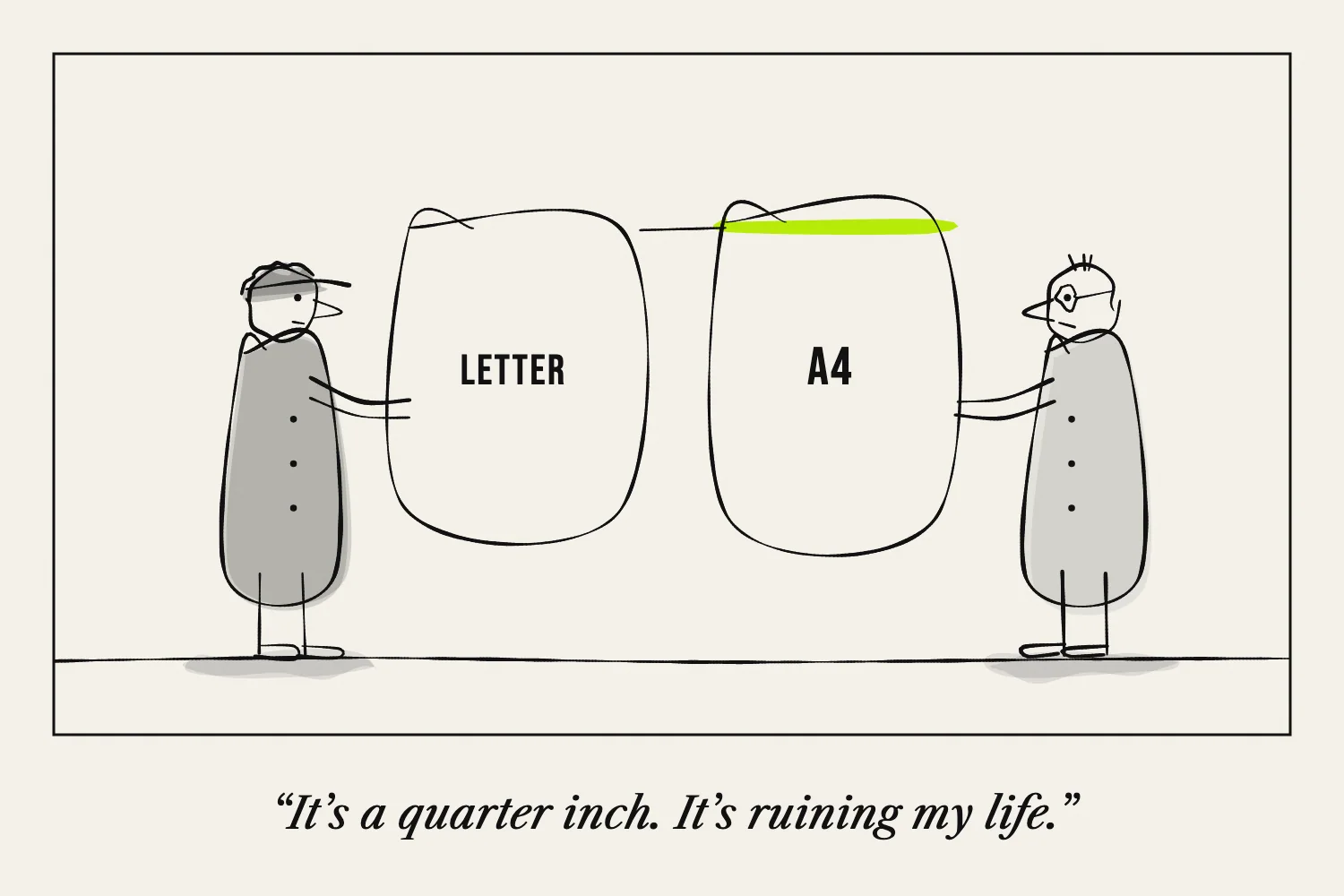
Letter and A4 are different paper sizes. Both can be used for zines, but a layout designed for one will not fit the other exactly.
| Size | Dimensions |
|---|---|
| Letter | 8.5 × 11 inches, or 215.9 × 279.4 mm |
| A4 | 210 × 297 mm, approximately 8.27 × 11.69 inches |
A4 is narrower and taller. Adobe's paper-size guide gives the dimensions and compares the two formats.
Begin with the paper you will actually use
Check the packet, printer tray and document settings. Do not rely on a filename such as “standard zine template.”
If you are sending a file to a copy shop, ask which size the quote covers. If you are sharing a printable file online, label its paper size so readers know what to load.
A file can include separate Letter and A4 versions, but each should be checked after conversion.
Understand what changes when you fold
In a landscape sheet divided into four columns and two rows, each eight-page panel is one quarter of the long side by one half of the short side.
That gives a Letter panel of 2.75 × 4.25 inches. An A4 panel is 74.25 × 105 mm. These are calculated panel dimensions before any trimming or printer margins.
The difference affects line lengths and image crops. A paragraph that fits one template may need another line in the other.
Avoid stretching the design
Changing width and height by different amounts distorts pictures and lettering. If you need another paper size, keep image proportions and adjust the layout around them.
For a simple page, proportional scaling may be enough. For a folding template, make sure the panel grid still matches the folds of the physical sheet.
A shrunken grid centred on a larger sheet does not automatically line up with folds made by halving that entire sheet.
Check the print preview
Print software may resize a PDF to the selected paper. Adobe explains the difference between fitting a page and shrinking oversized pages in its scaling guide.
Use a correctly sized file and inspect the result. If the design reaches an area your printer cannot print, revise the margins or use a suitable printing method rather than assuming “actual size” will prevent clipping.
Fold one copy before making more. The successful test is the assembled zine, not just a page that emerges from the printer.
Next: How to Lay Out Pages Before Folding.