Double-Sided Zine Printing Explained
Understand duplex printing, page order and the test that prevents upside-down backs.
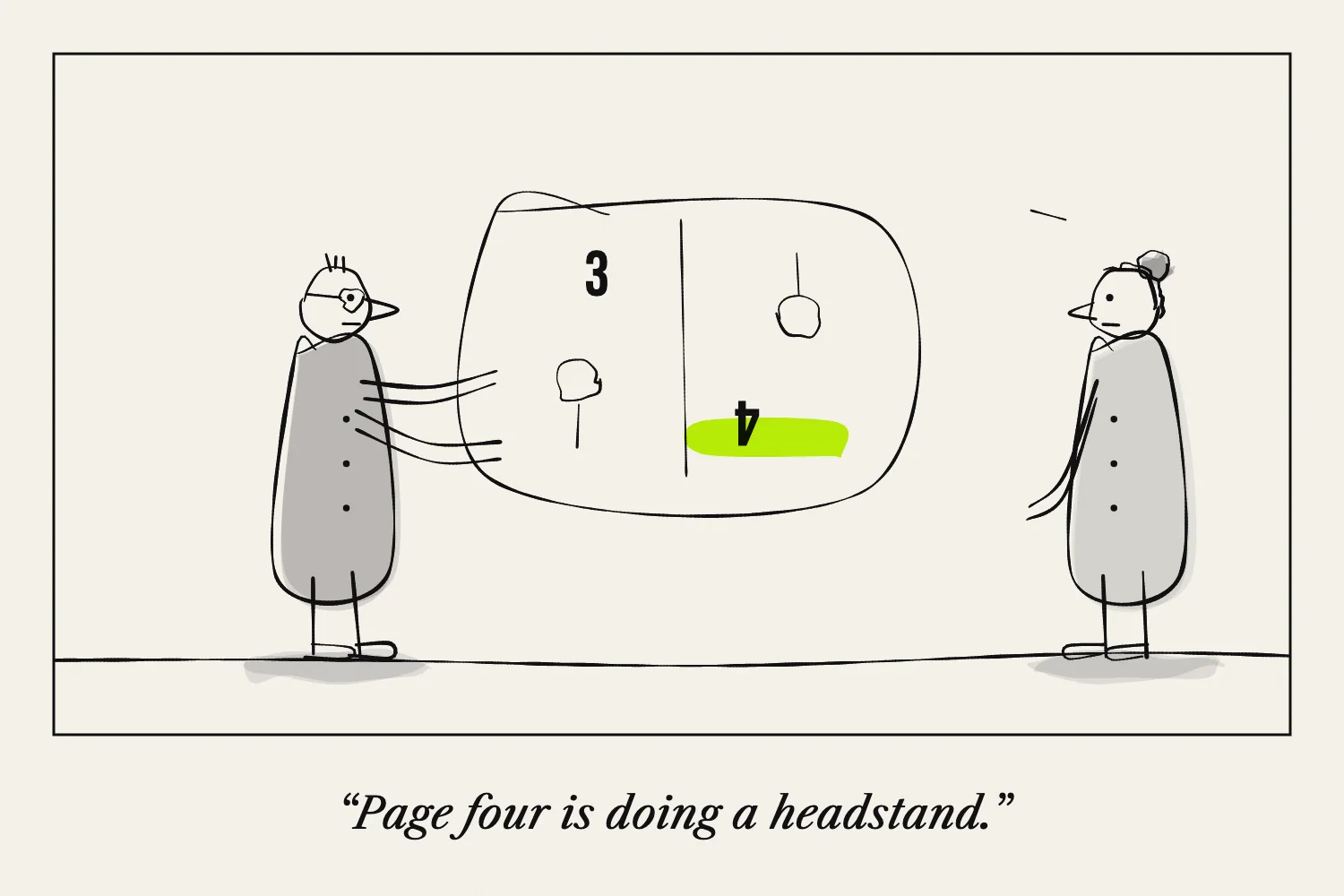
Double-sided printing puts an image on both faces of a sheet. Printers and print dialogs often call it duplex printing.
A conventional stapled booklet usually uses both sides. The common eight-page one-sheet zine uses one side only, so check the structure before enabling duplex.
Separate page order from paper turning
Two different things must work.
First, the right pages need to sit together. This arrangement is called imposition. Second, the reverse side needs to face the correct way when the sheet is turned.
You can have correct page pairs with upside-down backs, or correctly oriented backs with the wrong page pairs. Changing both settings at once makes troubleshooting harder.
Understand long-edge and short-edge flipping
The flip setting describes the edge around which the physical sheet turns.
For an ordinary portrait document read like a book, long-edge flipping is common. For a landscape sheet that will be folded into portrait booklet pages, short-edge flipping is often the appropriate starting point.
Treat that as a starting point, not a guarantee. Software rotation and printer drivers can affect the result. A two-sided test is more reliable than choosing a setting from its name alone.
Make a marked test
Create a simple two-page test with “FRONT” and “BACK,” an arrow at the top of each, and a mark on the same corner.
Print it using the orientation intended for the job. Turn the physical sheet as the finished booklet requires.
If the back is upside down, change the flip setting and repeat. Keep the successful sheet and note the settings.
If you must reload the paper yourself
Manual duplex means printing one side, putting the paper back in the tray and printing the other.
Mark a spare sheet to discover which face the printer uses and which edge enters first. Printer designs differ, so an instruction such as “put it face down” is not reliable for every machine.
Adobe's double-sided printing guide explains that duplex options depend on the printer and its driver. Its booklet guide also covers printing booklet fronts and backs separately.
Assemble before multiplying
Print a whole single copy and nest the sheets in order. Fold it and check every page.
Look at alignment too. Leave enough margin that a small shift between the two sides will not put text into the fold or trim.
Once that proof works, print a small batch before increasing the quantity. Preserve the same paper orientation and settings throughout.