How to Lay Out Pages Before Folding
Transfer a reading sequence onto the correct print template without guessing where the pages go.
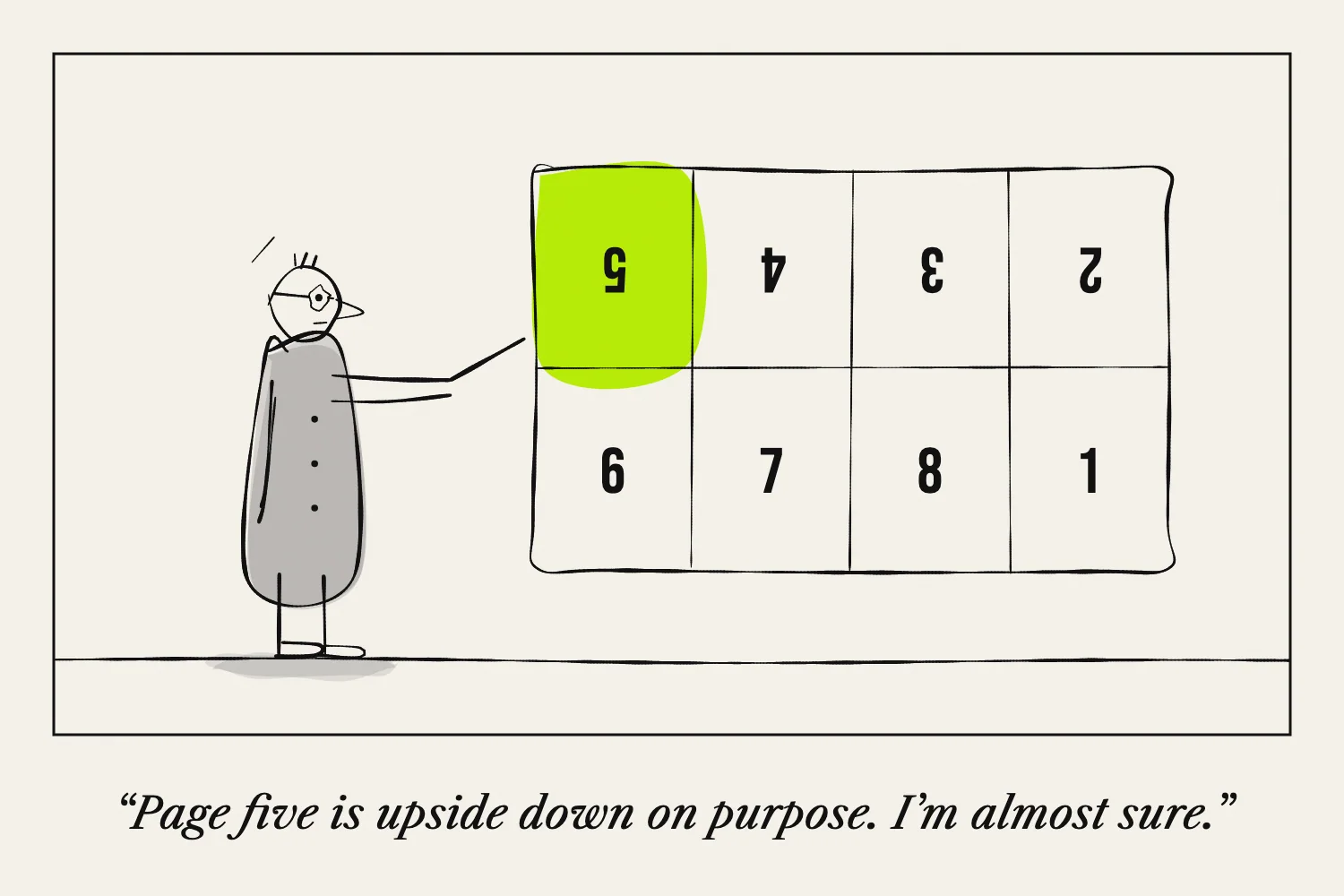
Design the zine in reading order first. Then move those finished pages into the arrangement required by your fold.
Keeping those two jobs separate helps prevent a common problem: a flat sheet that looks tidy but becomes confusing or upside down when folded.
Identify the format
Check whether you are making an eight-page slit-and-fold zine, a sixteen-panel accordion, or a booklet of nested sheets.
Each needs its own layout. “Eight pages” describes a count, not a complete set of folding instructions.
Make a blank copy of the structure you intend to use. Number it as you read, including the covers, and add an arrow at the top of every page. Unfold it to reveal the print arrangement.
Use the eight-page map carefully
One valid eight-page arrangement, used by Maigz before any whole-sheet rotation, is:
| Column 1 | Column 2 | Column 3 | Column 4 |
|---|---|---|---|
| 1 ↓ | 8 ↓ | 7 ↓ | 6 ↓ |
| 2 ↑ | 3 ↑ | 4 ↑ | 5 ↑ |
The slit follows the horizontal centre crease through columns two and three. Arrows show the top of each page.
Other templates may rotate or position this structure differently. Match one complete template rather than borrowing the numbers from one and the cut marks from another.
For sixteen panels, use the map in How to Fold a 16-Page One-Sheet Zine.
Move whole pages into position
If you work digitally, finish each page upright before placing it into the sheet. Rotate the complete page where necessary, including its captions and page number.
If you work by hand, you can decorate the folded dummy directly, then unfold it for copying. Alternatively, paste finished page pieces onto a copy of your numbered map.
Keep a clean version of the template so you do not accidentally print planning notes.
Leave space for the real paper
Folds and cuts are not infinitely thin. Avoid placing small text directly on them. Home printers may also leave unprinted margins at the outer sheet edges.
Use a proof to decide whether your design has enough space. If a word is difficult to read in the assembled version, move it even if it looks fine on the flat file.
Check the print settings once
An already imposed sheet should print as one sheet. Select the matching paper size and check the preview. Do not choose another booklet arrangement.
If you use a conventional multipage PDF instead, Adobe's booklet guide describes the separate process for arranging folded double-sided sheets.
Print one copy, fold it, and read every page before making a batch. That final check catches errors a screen preview cannot show.
Sources and layout notes
The panel maps follow Maigz's sheet diagram.