Full Bleed vs White Borders
Understand artwork at the paper edge before choosing a layout or asking a printer for a quote.
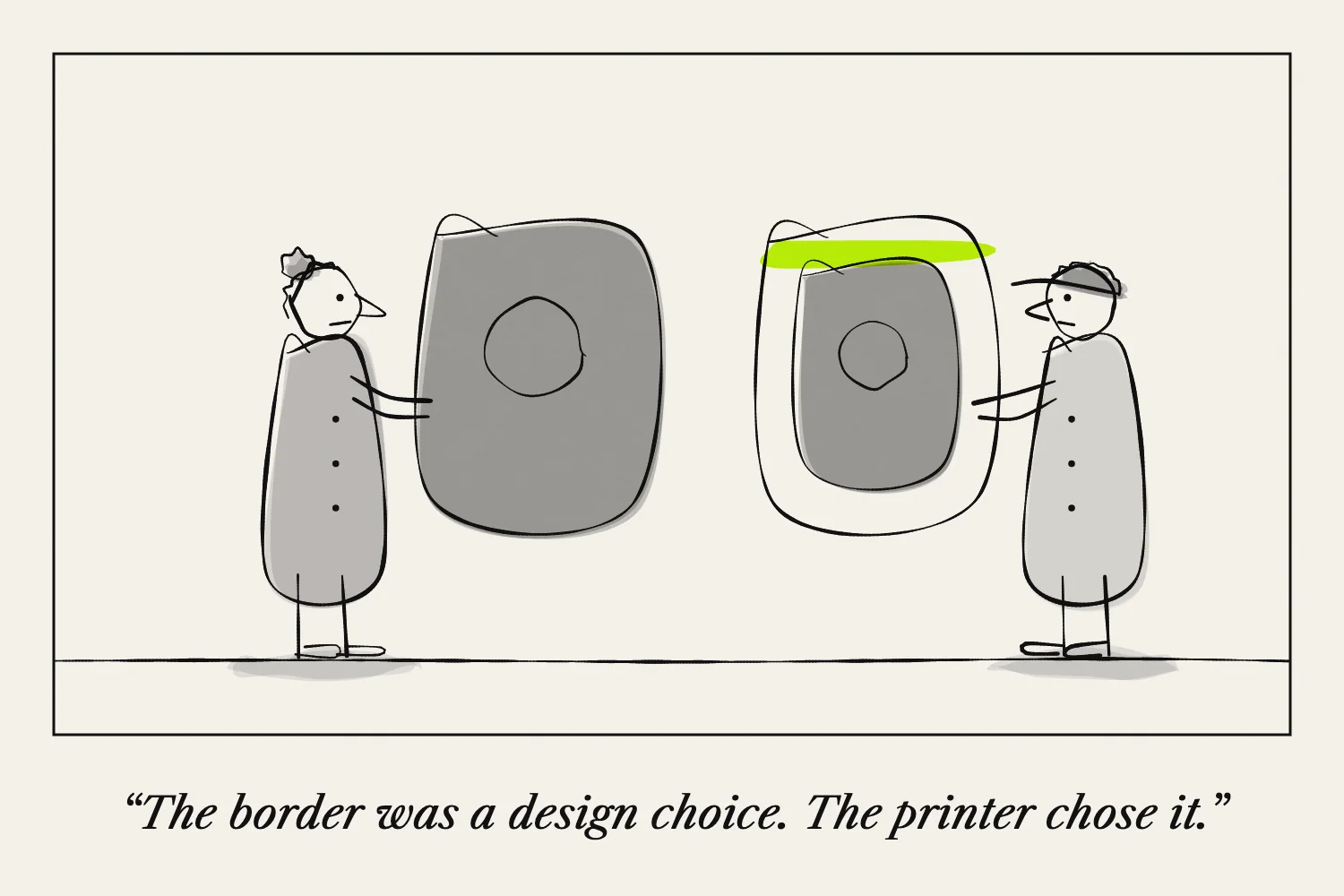
A white border leaves unprinted space between the artwork and the edge of the page. Full bleed means the artwork reaches the finished edge.
For a zine, the choice affects both appearance and production. Decide early, because a design that depends on edge-to-edge colour may need a different printing setup from one with margins.
How bleed works in trimmed printing
Printers commonly produce edge-to-edge artwork by printing beyond the intended finished size and trimming the excess. Adobe’s bleed guide illustrates this setup.
The extra image outside the trim line is called bleed. It gives the cutter some tolerance so a tiny shift does not expose an unwanted white sliver.
Important text belongs inside a separate safe area. Bleed is for extending backgrounds and images, not for placing words near the knife.
Ask the printer for its required bleed and safe margins. Do not assume one measurement suits every product.
Why home printing is different
Some home printers support borderless output only for certain paper sizes or media. Others leave an unprinted margin.
Check your printer's manual before designing around a borderless result. Epson documents borderless modes that enlarge and crop an image, which matters if a folding template depends on exact panel positions.
The print preview and a physical proof should confirm that all panels still line up.
Borders can be part of the design
A border can frame a picture, separate it from the next page and make text easier to position. It may also simplify printing on a machine with non-printable margins.
Keep borders generous enough that a small alignment shift does not become distracting. A very narrow border makes an uneven edge more obvious.
You can use a border consistently or vary it deliberately, but check both pages of a spread together.
Be careful with one-sheet zines
On a one-sheet zine, some page edges are folds and some come from the outside of the sheet. Trimming the outside changes the sheet dimensions and can affect the folding grid.
Do not simply cut away a printer's margin after using a template designed for the original sheet size. Recalculate the layout or use a template intended for that trim.
For a first home-printed one-sheet project, designing within the printable area is a practical starting point.
Ask a specific printing question
Tell a print shop the finished page size, folding method, number of copies and whether artwork must reach the edge. Ask whether they want individual pages or imposed sheets.
Approve an assembled proof where possible. That lets you judge the edge treatment in the form readers will hold.
See How to Lay Out Pages Before Folding before preparing the final file.