Zine Printing Mistakes to Avoid
Find the cause of a bad proof before it becomes a stack of unusable copies.
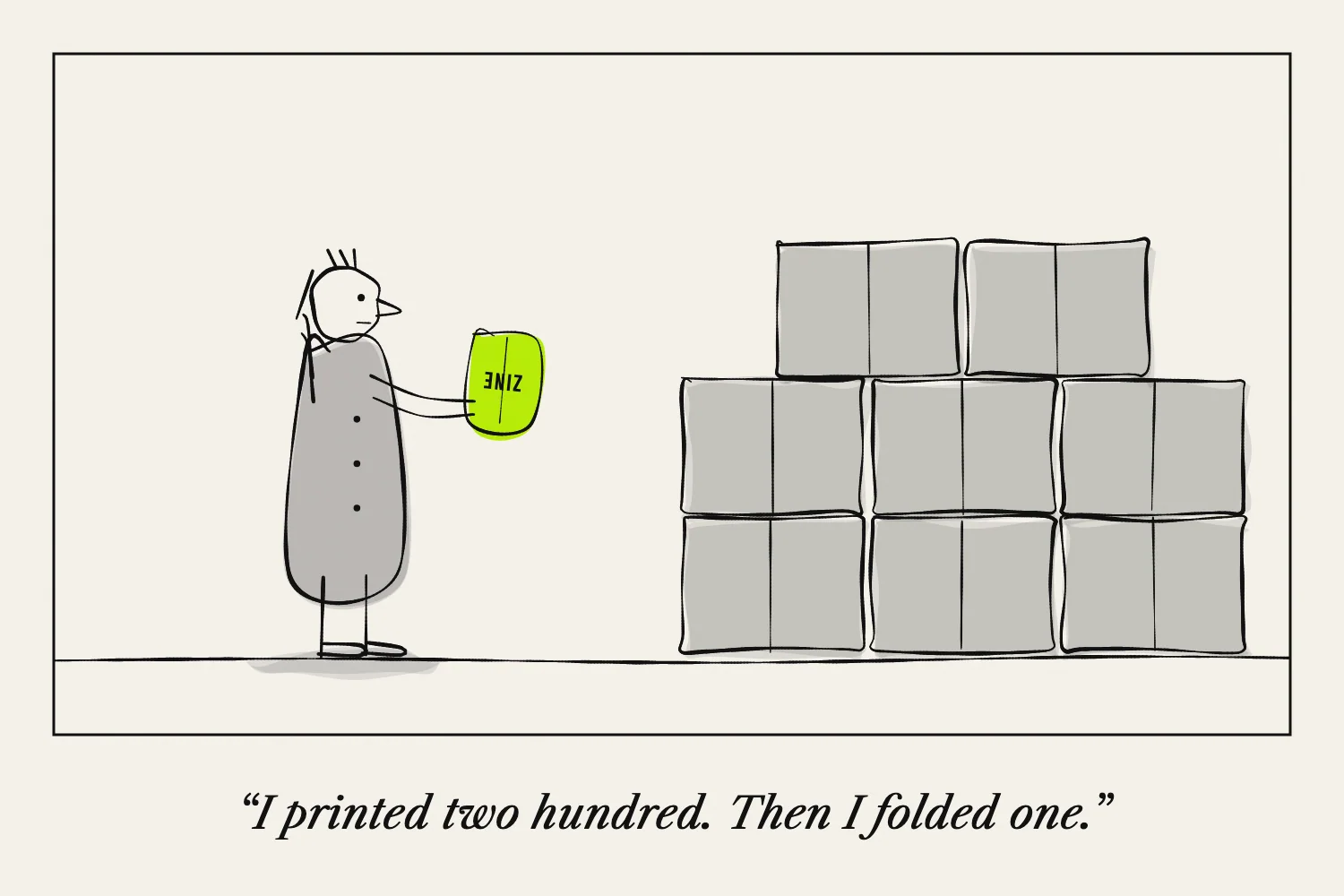
The most useful printing habit is to make one complete copy before producing a batch. A flat sheet can hide page-order and folding problems that appear immediately in the finished zine.
When something goes wrong, change one variable at a time. Keep the unsuccessful proof so you can compare results.
Applying booklet settings twice
An imposed file already has its pages arranged for folding. Applying a second booklet layout will rearrange them again.
Check whether the PDF shows ordinary pages in reading order or complete print sheets. Use the matching method described in How Zine Pagination Works.
Letting the paper size change unnoticed
Letter and A4 are not identical. A printer may resize the artwork when the file and loaded paper differ.
Confirm all three: document size, paper in the tray and selected print size. If a template's folds no longer align with the printed panels, check scaling.
Adobe's page-scaling guide explains its fit and shrink behaviours.
Judging text only on a screen
Zooming in can disguise a page that is difficult to read at actual size.
Print the densest page early. If text is too small, remove repeated explanation or add space. Test pale type and captions as well as the main body.
Discovering dark photographs too late
A screen preview is not the final print. Make a test containing the darkest and lightest pictures.
If details disappear, compare a revised image on the same paper and settings. Do not assume buying heavier paper will correct the image itself.
Forgetting to check the reverse
For double-sided work, inspect orientation, page pairing and show-through. Fold and assemble the whole copy.
Mark a trial sheet if you need to work out how to reload paper manually. Guessing a tray direction can waste more paper than a quick test.
Cutting or folding before checking the layout
Compare the sheet with a numbered dummy. Confirm that the cut stops in the correct place.
On a one-sheet structure, a cut that goes through a connection can separate the pages. Practise with scrap paper before handling the finished print.
Reprinting an old export
Give corrected files clear version names or keep one clearly labelled final folder. Open the exact file you are about to print.
If another person or shop produces the copies, identify the approved proof and file together. A correct design in one folder does not help if the printer receives a different version.
Write down the settings once a proof succeeds. That record is part of making the next run predictable.