Make Your Zine Look Good in Black and White
Keep text, photographs and collages clear when colour is removed.
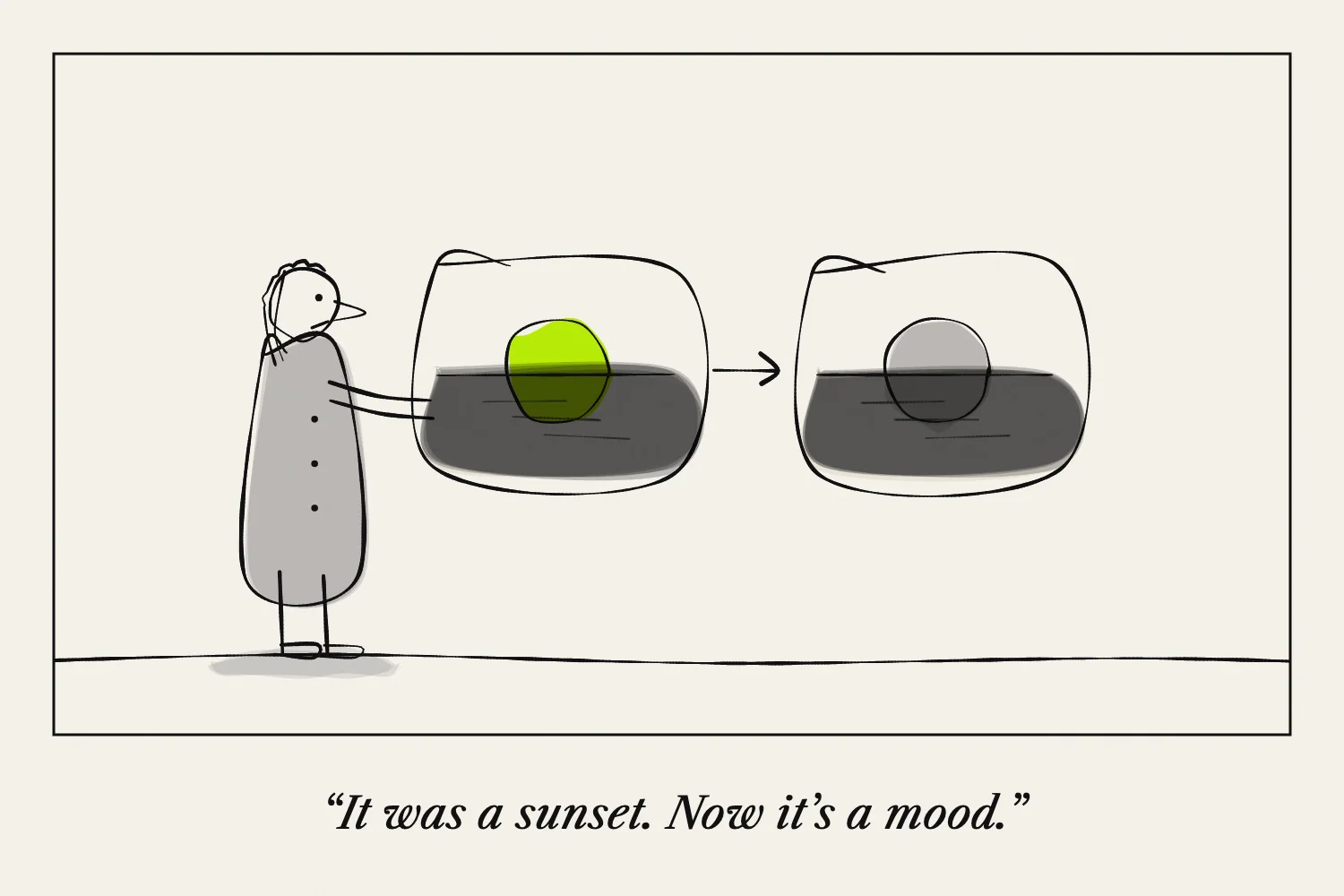
A black-and-white zine can contain solid black, white paper and shades of grey. The first design question is whether the differences between objects remain visible after colour is removed.
Make a black-and-white proof early. A colour layout that works on a screen may depend on distinctions that disappear in print.
Check which details carry the meaning
If a chart uses red and green to identify two things, add labels, patterns or different shapes. If a collage separates layers mainly through colour, try changing their lightness or adding space between them.
Print a small comparison before reworking the whole zine. You may only need to adjust a few important areas.
Understand greyscale and threshold
Greyscale keeps a range of light and dark tones. That can preserve detail in photographs.
A threshold conversion turns pixels into either black or white according to a chosen cutoff. GIMP's threshold documentation explains how that control works. It can create strong graphic shapes, but it may remove subtle detail.
Keep an unchanged original and test both approaches if you are unsure. Neither is automatically better.
Give type enough contrast
Dark text on a light, relatively plain area is a straightforward starting point. Text over a busy photograph needs extra care because the background changes behind each letter.
Print the smallest caption. Check that thin strokes remain visible and that letters do not merge into dark backgrounds.
A textured or rough appearance can be deliberate, but make sure the essential words remain readable.
Adjust photographs individually
Look for areas that become solid black or disappear into the paper. Try a modest tonal adjustment and print again.
Do not apply the same change to every picture simply because one was too dark. A sequence can contain very different lighting conditions.
If the zine relies on subtle greys, compare the actual printer and paper you will use. A proof from another machine may behave differently.
Use the paper as part of the design
Unprinted space gives the eye a place to rest and can separate nearby elements. You do not need a grey background on every page.
If you use coloured paper, it becomes the lightest available background where no ink is printed. Test whether that affects contrast or the appearance of photographs.
Judge the whole sequence
Assemble a complete proof. Several very dark pages together may feel different from the same images viewed one at a time.
Move or simplify pages where it helps the reading rhythm. Keep one successful sample and record the settings so later copies can be compared with it.
Next: How to Print a Zine at Home.